● Scene-by-scene AI video studio

Turn a script into a finished video, one scene at a time.

Paste a script, record each scene in your browser — webcam, screen, or both — and ViStudioAI handles AI voiceover pacing, animated captions, subscribe/follow CTAs, and export in 16:9 or 9:16. No timeline to fight with.

No credit card required · Recording happens locally in your browser
REC · Scene 2 of 400:42
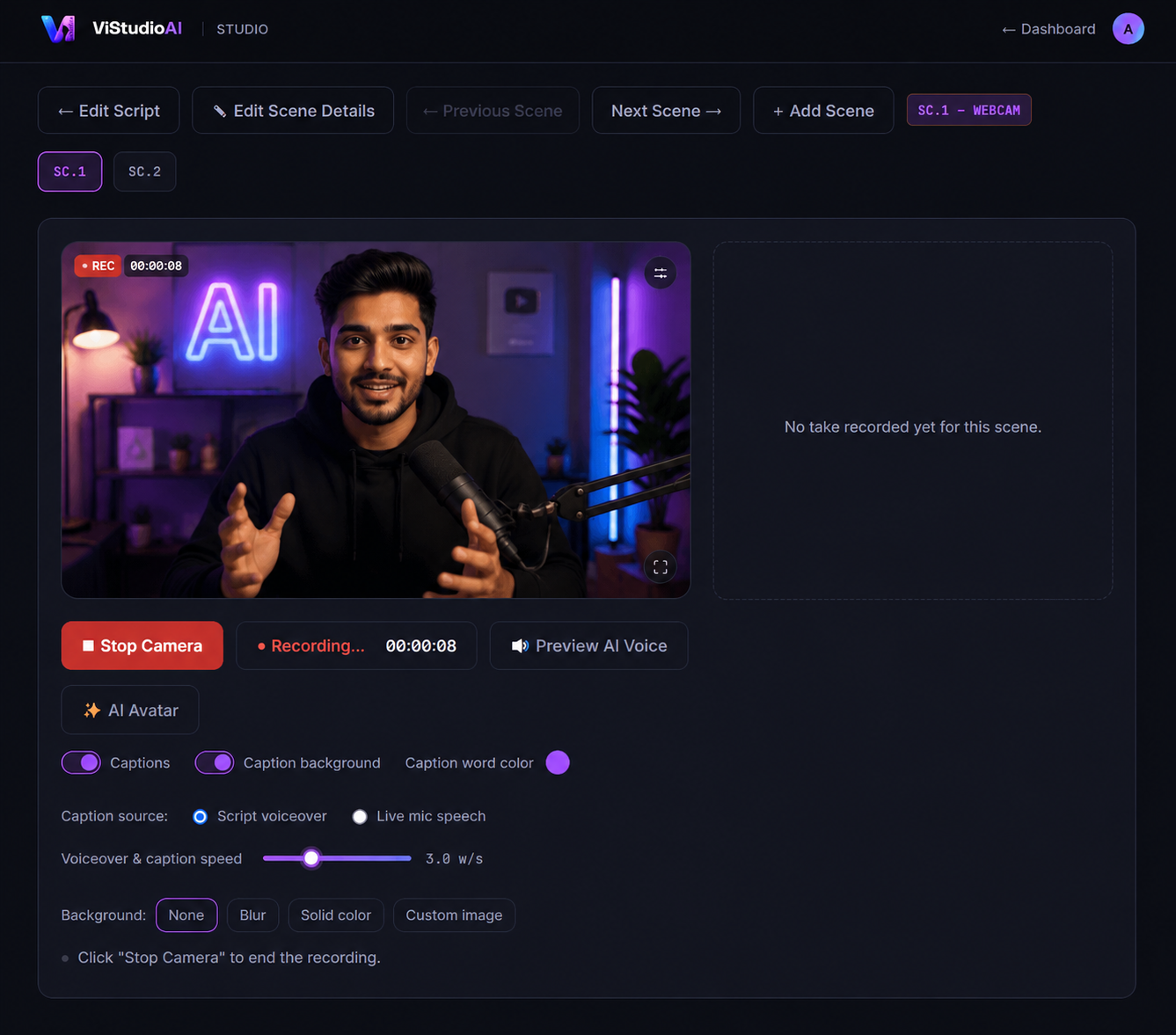
Creator recording a scene
Presentation background
Trading chart screen share
Creator webcam overlay
Trading chart, vertical crop
Creator webcam
STARTING WITH THE HIGHER TIMEFRAME
Captions on CTA: Subscribe
16:9 LANDSCAPE9:16 VERTICALSCREEN + WEBCAMAI VOICEOVER SYNCANIMATED CTAS
Features

Everything between "script" and "shipped."

Built around how scripted video actually gets made — scene by scene, not clip by clip on a timeline.

🎬

Scene-by-scene recording

Paste a structured script and ViStudioAI breaks it into scenes you record one at a time — webcam, screen share, screen+webcam, or a branded background.

🗣️

Voiceover-timed captions

Live karaoke-style captions reveal in sync with your scripted voiceover as you record — no separate transcription pass.

🔔

Animated CTA overlays

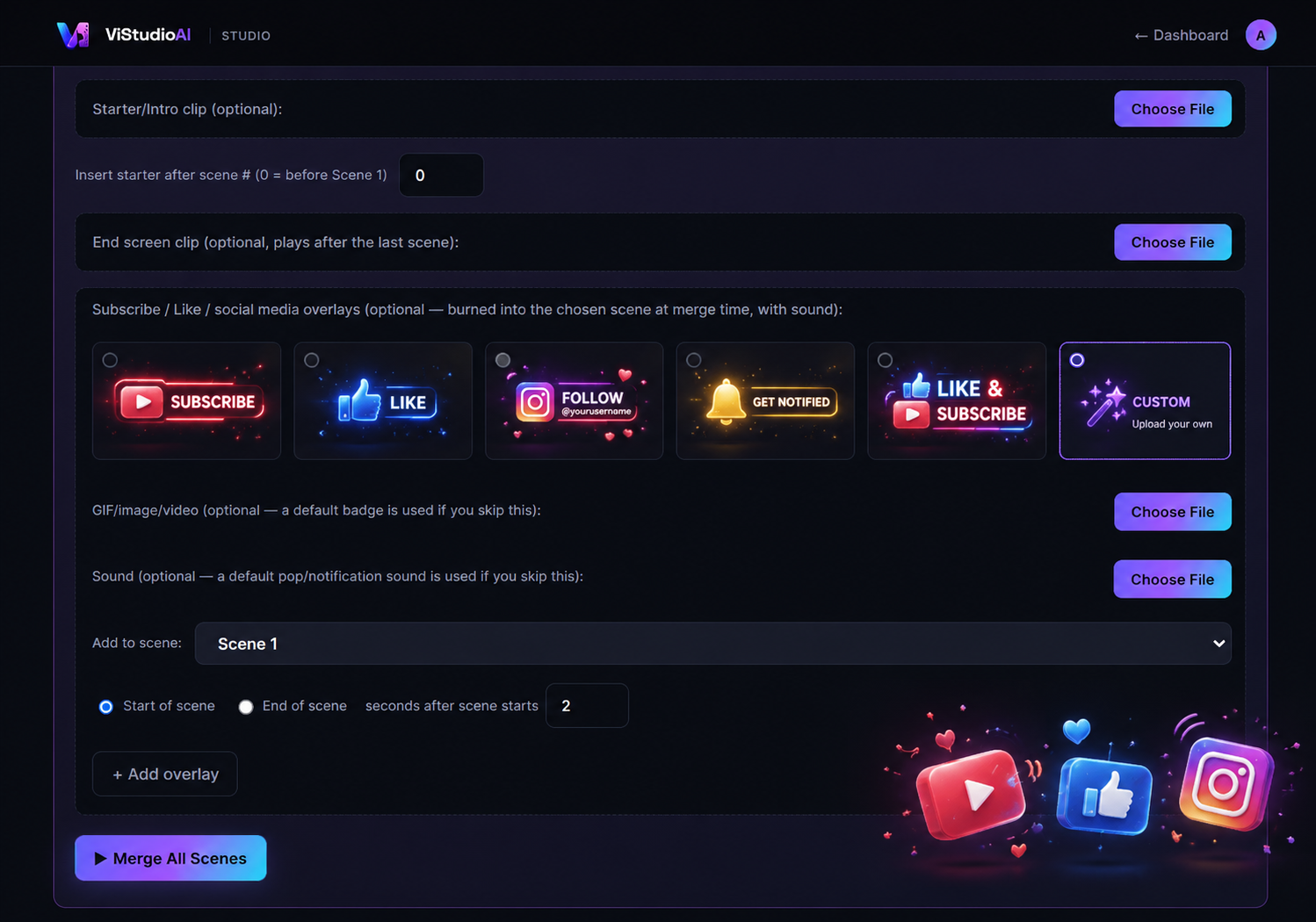
Subscribe, Like, Instagram, YouTube, Facebook, and Telegram badges slide in, confirm, and slide out — complete with sound design.

📱

16:9 and 9:16, natively

Every scene layout — split-screen, circle overlay, full-bleed — adapts automatically for Shorts/Reels or landscape upload.

🖼️

Intro & end screens

Drop in a starter clip and an end screen; ViStudioAI slots them in at the right point and normalizes everything to match.

One-click merge & export

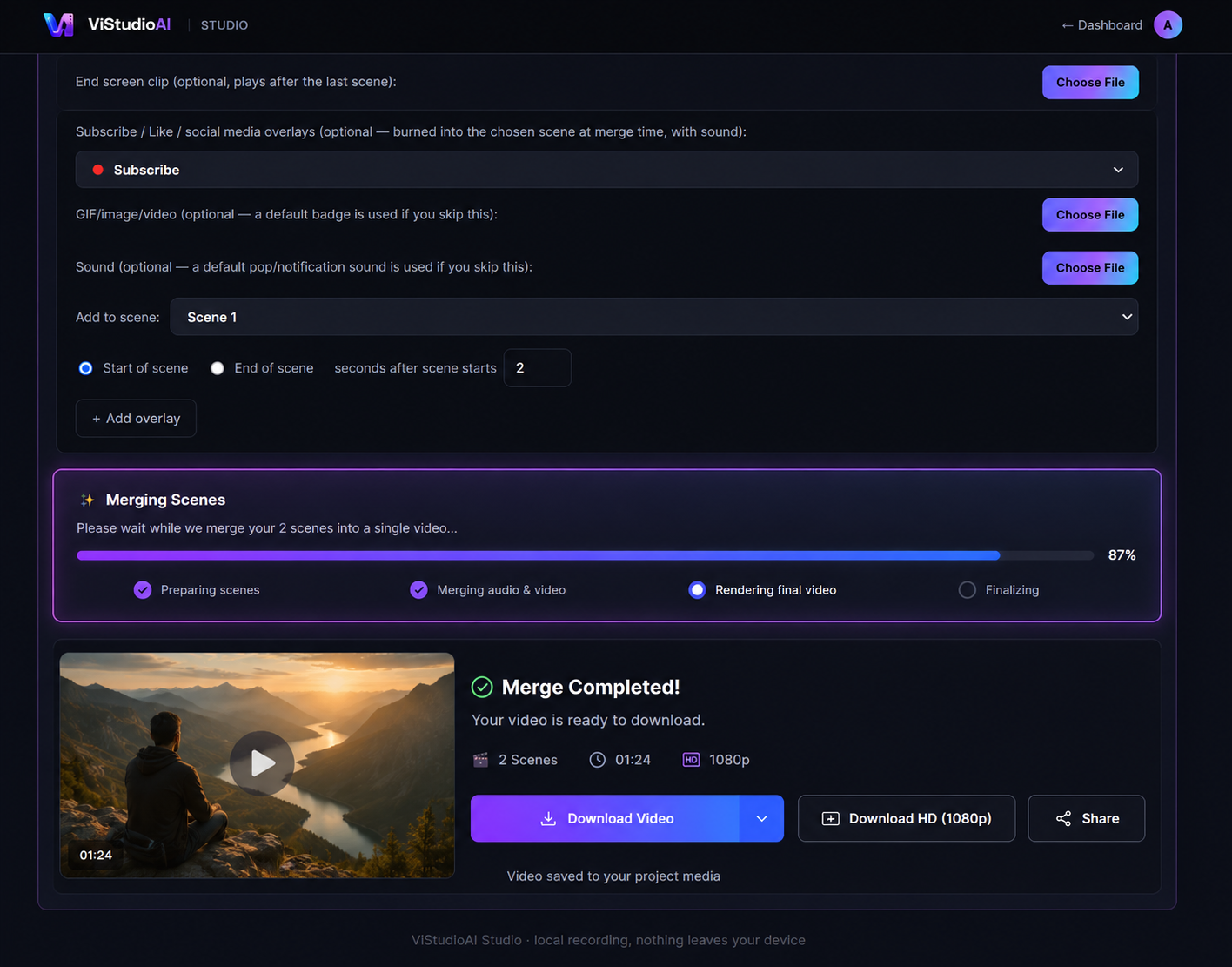
Every approved take is stitched, normalized, and exported locally — no upload to a render farm, no waiting in a queue.

How it works

From script to export in four steps.

1

Paste your script

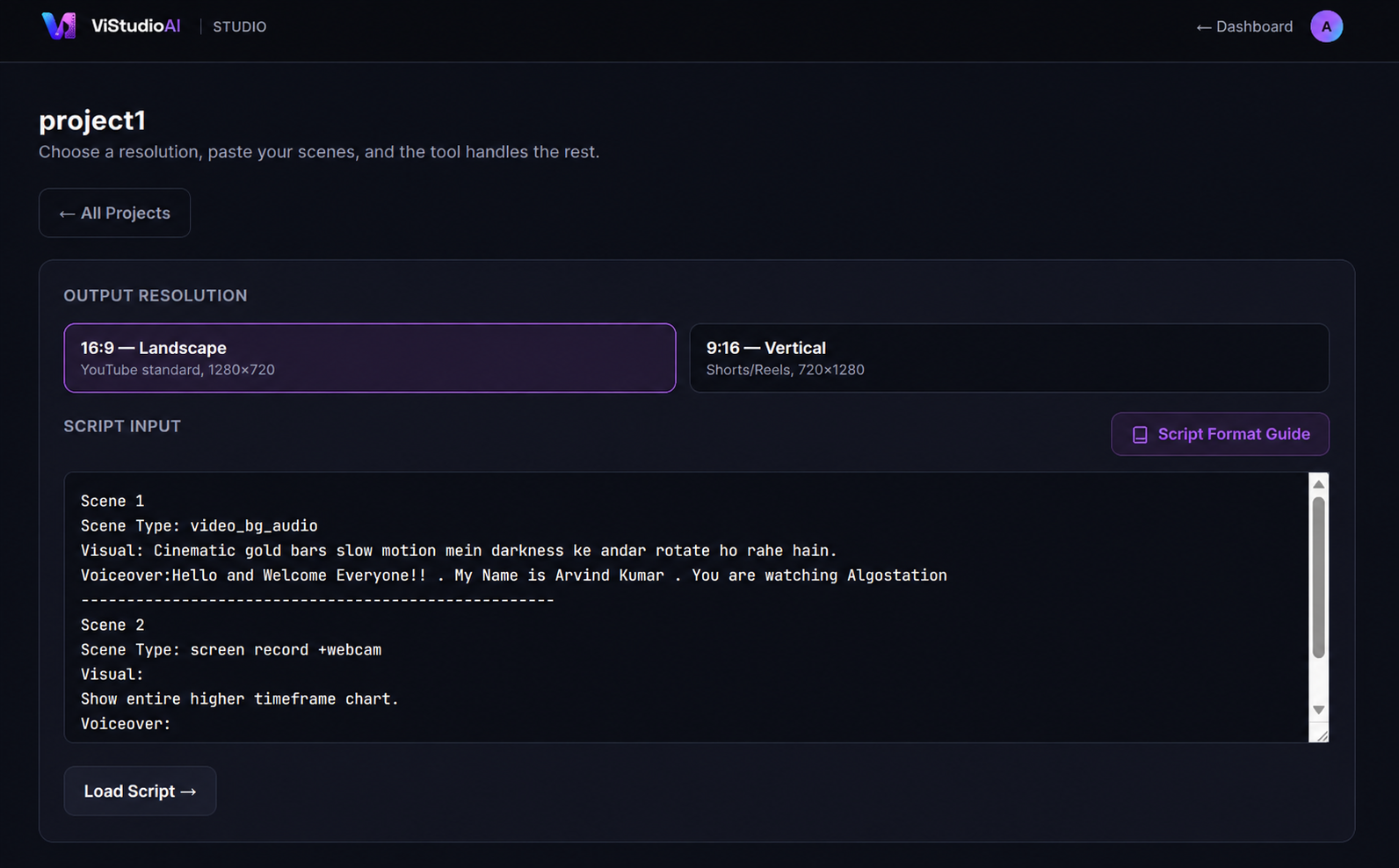
Scene type, visual notes, voiceover, on-screen text — structured, plain text.

2

Record each scene

Approve or retake per scene, right in the browser, in the layout that scene calls for.

3

Add CTAs & branding

Subscribe/follow overlays, intro clip, end screen — configured once for the whole video.

4

Merge & export

One button. Your finished file, ready to upload — landscape or vertical.

1280×720 for YouTube, LinkedIn, web
720×1280 for Shorts, Reels, TikTok
Pricing

Simple plans that scale with your output.

Start free. Upgrade when you're publishing every week.

Starter

For trying ViStudioAI out

$0/mo
  • 3 exported videos / month
  • 16:9 export only
  • Watermark on export
  • Standard CTA badges
Start free

Team

For studios & agencies

$30/mo
  • Everything in Creator
  • 5 seats included
  • Shared brand kit
  • API access
Talk to us

Your next video is one script away.

No install, no timeline to learn. Just paste, record, and export.

Start creating free