● Scene-by-scene AI video studio

Turn a script into a finished video, one scene at a time.

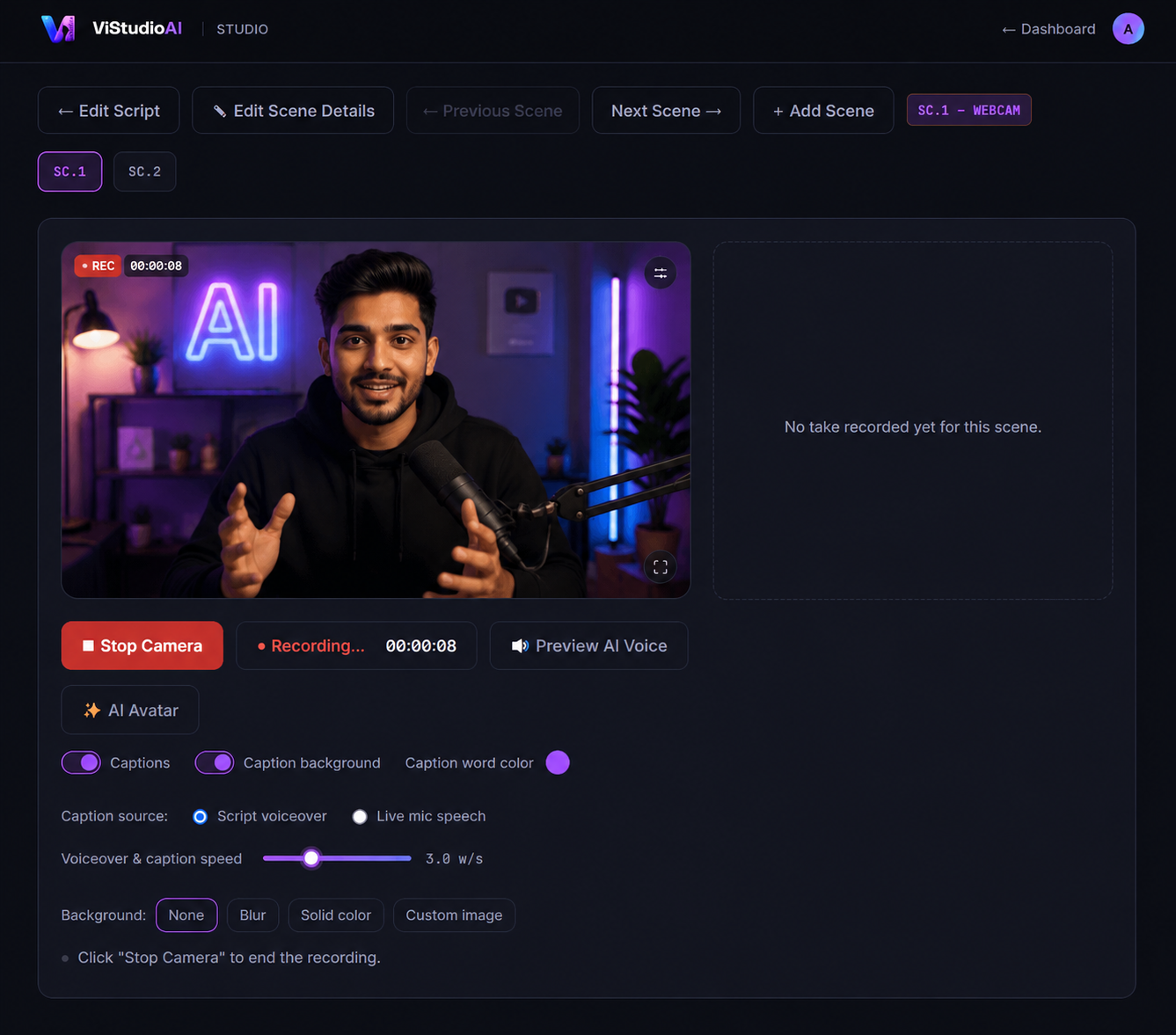
Paste a script, record each scene in your browser — webcam, screen, or both — and ViStudioAI handles AI voiceover pacing, animated captions, subscribe/follow CTAs, and export in 16:9 or 9:16. No timeline to fight with.

No credit card required · Recording happens locally in your browser
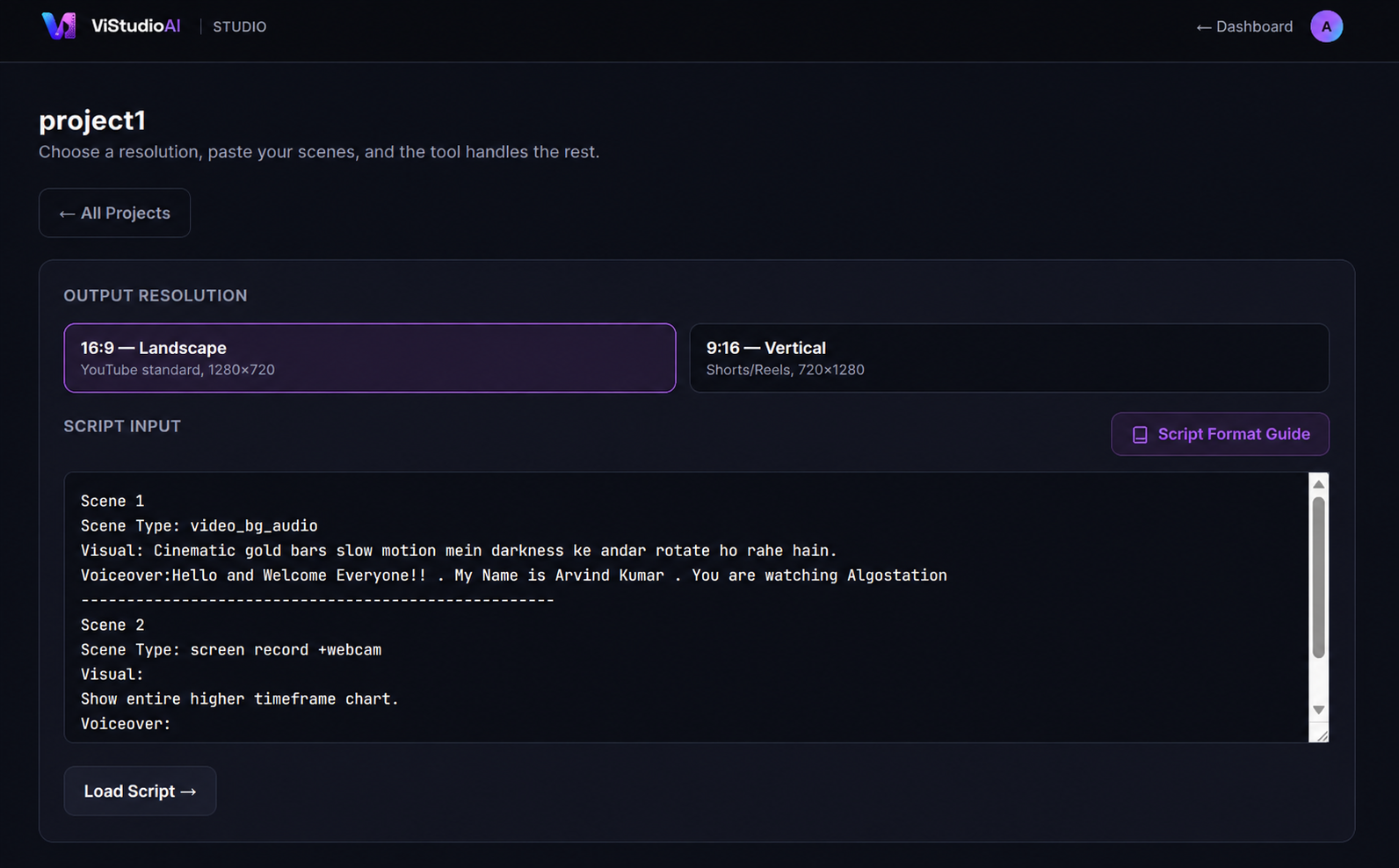
Paste your script — ViStudioAI Studio
Record with live captions or create your own AI Avatar — ViStudioAI Studio
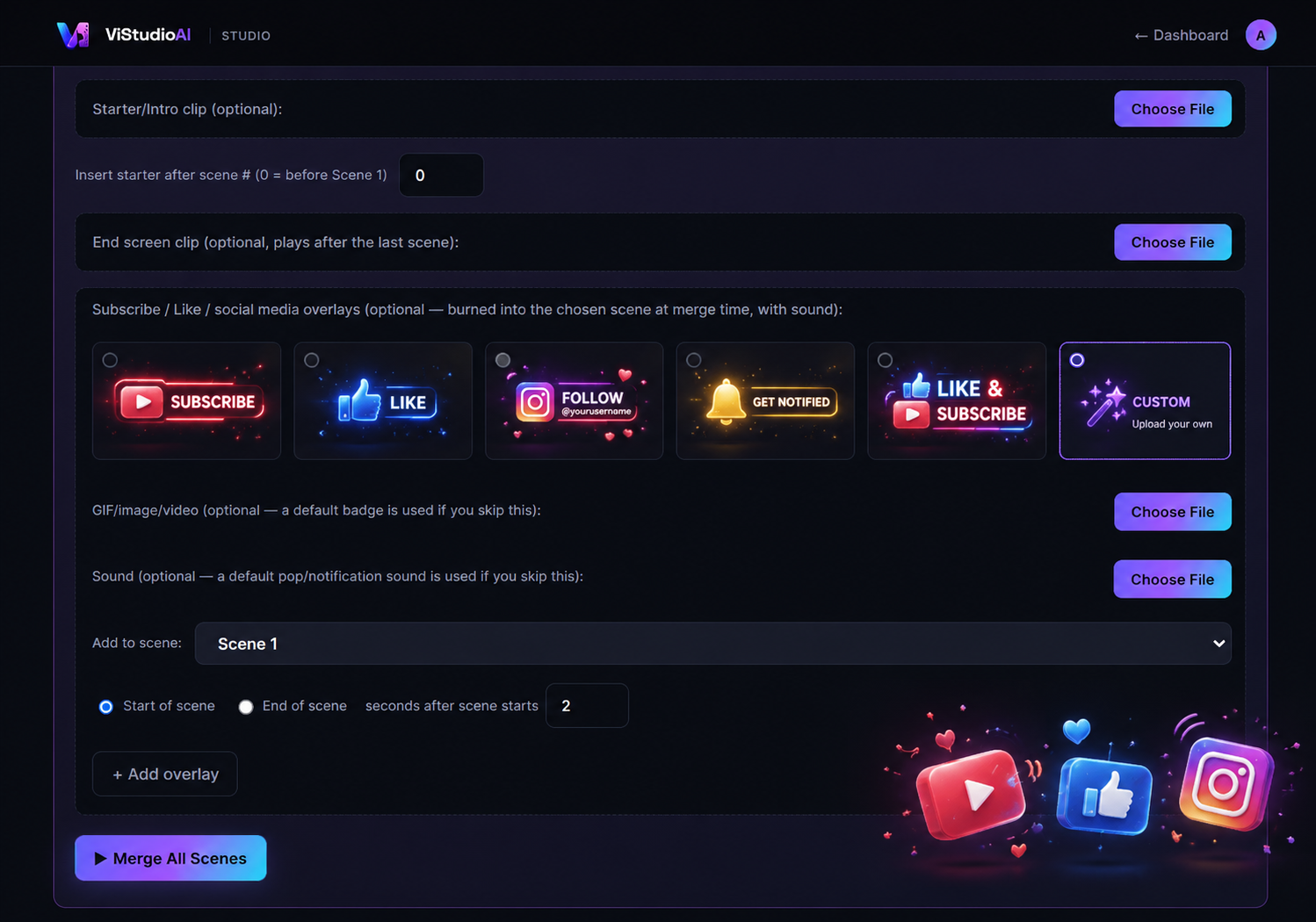
Add Subscribe/CTA overlays — ViStudioAI Studio
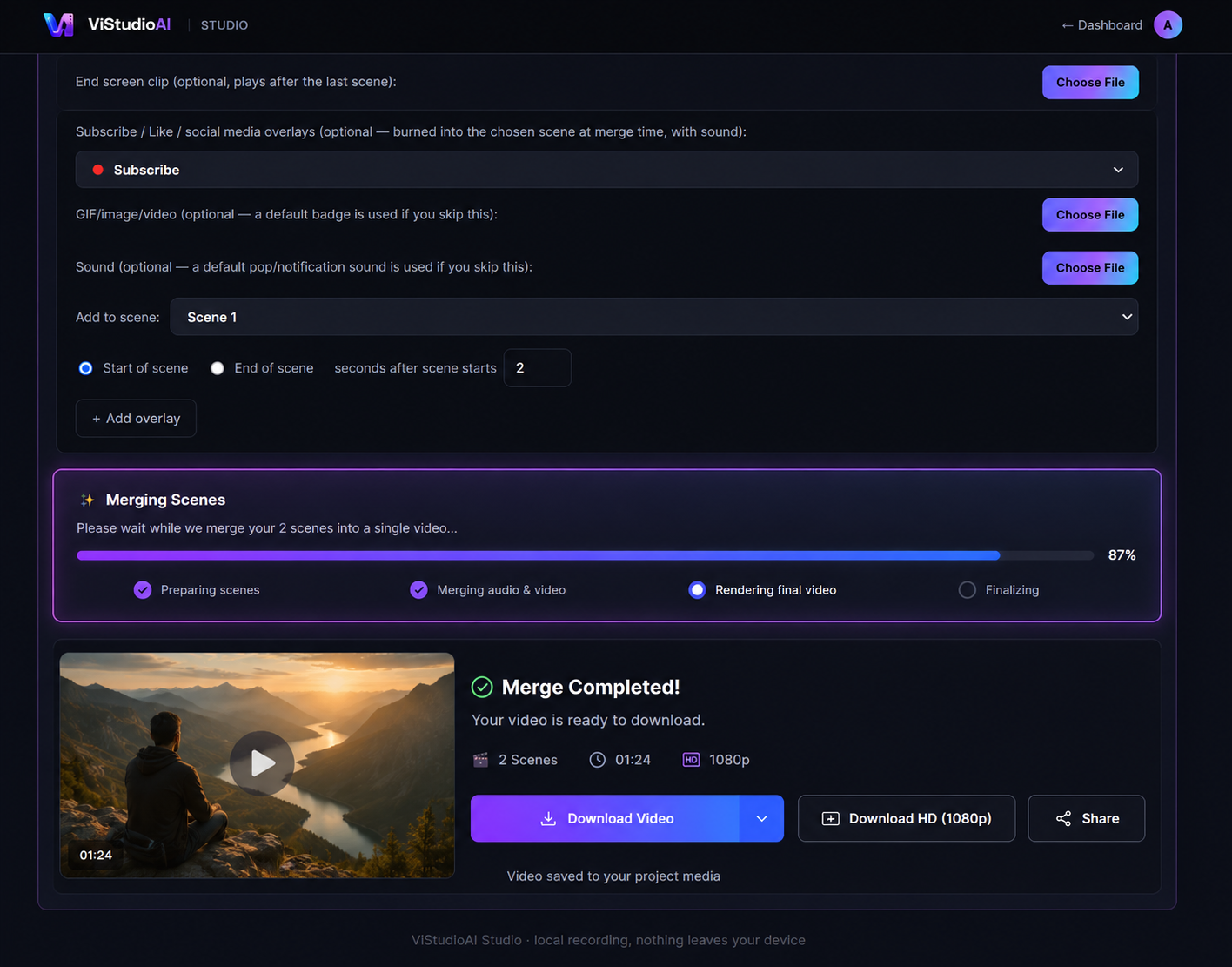
Merge and export your video — ViStudioAI Studio
1 · Paste your script
16:9 LANDSCAPE9:16 VERTICALSCREEN + WEBCAMAI VOICEOVER SYNCANIMATED CTAS
Features

Everything between "script" and "shipped."

Built around how scripted video actually gets made — scene by scene, not clip by clip on a timeline.

🎬

Scene-by-scene recording

Paste a structured script and ViStudioAI breaks it into scenes you record one at a time — webcam, screen share, screen+webcam, or a branded background.

✨

Generate your script with AI

No script yet? Describe your video in a line and ViStudioAI writes a ready-to-record scene-by-scene script for you — pick the language and how many scenes. Included on Premium and Team.

🗣️

Voiceover-timed captions

Live karaoke-style captions reveal in sync with your scripted voiceover as you record — no separate transcription pass.

🔔

Animated CTA overlays

Subscribe, Like, Instagram, YouTube, Facebook, and Telegram badges slide in, confirm, and slide out — complete with sound design.

📱

16:9 and 9:16, natively

Every scene layout — split-screen, circle overlay, full-bleed — adapts automatically for Shorts/Reels or landscape upload.

🖼️

Intro & end screens

Drop in a starter clip and an end screen; ViStudioAI slots them in at the right point and normalizes everything to match.

⚡

One-click merge & export

Every approved take is stitched, normalized, and exported locally — no upload to a render farm, no waiting in a queue.

How it works

From script to export in four steps.

1

Paste your script

Scene type, visual notes, voiceover, on-screen text — structured, plain text.

2

Record each scene

Approve or retake per scene, right in the browser, in the layout that scene calls for.

3

Add CTAs & branding

Subscribe/follow overlays, intro clip, end screen — configured once for the whole video.

4

Merge & export

One button. Your finished file, ready to upload — landscape or vertical.

▭ 1280×720 for YouTube, LinkedIn, web
▯ 720×1280 for Shorts, Reels, TikTok
Pricing

Simple plans that scale with your output.

Start free. Upgrade the week you start publishing regularly.

Monthly
Yearly Save ~17%

Starter

Free, forever — see exactly what you get

₹0/mo
  • Unlimited real recording (webcam, screen, notepad)
  • Unlimited videos, unlimited length
  • 16:9 and 9:16 export
  • 720p export quality
  • Captions, teleprompter, scene merging — all included
  • Small ViStudioAI watermark on exports
  • No AI Avatar (photorealistic) — upgrade to unlock
  • Community support
Start free

Team

For studios & agencies — up to 5 people

₹2,999/mo
  • Everything in Premium
  • 5 seats included
  • Unlimited recording, pooled across the team
  • AI Script Generation — 100 credits/month, pooled across the team
  • Shared AI Avatar minutes — recharge anytime, pooled across the team
  • Shared brand kit, API access
  • Priority support
Talk to us

Opens your email app with the details pre-filled — edit anything before sending. You'll get an automatic confirmation that we received it, and a full reply within 24 hours on business days.

Real recording, editing, and export happen entirely in your browser — nothing is ever uploaded, so it's unlimited on every plan, including free. "AI Avatar" is a paid photorealistic talking-avatar generator (photo + your voice), bought as minutes whenever you need it — no plan bundles it in by default. Full pricing page →

Your next video is one script away.

No install, no timeline to learn. Just paste, record, and export.

Start creating free